
When to DIY Your As-Built Floor Plans vs. Hiring a Professional
OverviewAccurate existing condition drawings are the essential foundation for every architectural renovation, commercial tenant improvement, and structural addition. Learn when a DIY tape measure works, the truth about smartphone scanning apps, and when professional 3D LiDAR surveys save thousands in construction rework.
Guide Roadmap
As-Built Measuring Methods: DIY Tape Measure vs. 3D LiDAR Survey
ReferenceCompare existing-condition documentation methods based on project scope, time investment, cost, and municipal permit readiness.
| Method: DIY Tape Measure & Grid Paper | BestFor: Single-room renovations, bathroom updates, simple non-structural cabinet or partition changes. | TimeCost: Low out-of-pocket cash; 4–8 hours of tedious hand measuring and field sketching. | PermitReadiness: Accepted only for minor non-structural cosmetic permits. |
| Method: Smartphone Scanning Apps | BestFor: Casual interior walkthroughs, furniture placement brainstorming. | TimeCost: Monthly subscriptions or per-room export charges; requires extensive CAD manual cleanup. | PermitReadiness: Lacks structural millimeter precision; frequently rejected by municipal plan checkers. |
| Method: Professional 3D LiDAR & Digital Twin Survey | BestFor: Full-home remodels, oceanfront custom estates, commercial fit-outs, and legal permits. | TimeCost: Single on-site sweep (2–3 hours); delivers AutoCAD (.dwg), PDF sheets, and navigable virtual tour. | PermitReadiness: 100% permit-ready for municipal plan review and licensed structural engineering. |
Overview & Context
OverviewEvery major architectural renovation, commercial space modification, and building addition begins with one essential requirement: an accurate set of as-built drawings documenting existing conditions.
If you're starting a project, a frequent question is: “Can I grab a tape measure or download a phone scanning app to measure the building myself, or should I hire a professional measuring service?”
The honest answer comes down to project scope and the classic trade-off between time, risk, and cost. Here is a realistic look at what you can handle on your own, the hidden pitfalls of consumer mobile apps, and when professional 3D LiDAR scanning protects your bottom line.
Step 1: Small Scope DIY Measuring
Phase 01If your project is modest in scope and you have the patience, you can definitely measure it yourself to save on upfront surveying fees:
A. Contained Rooms & Cosmetic Refreshes
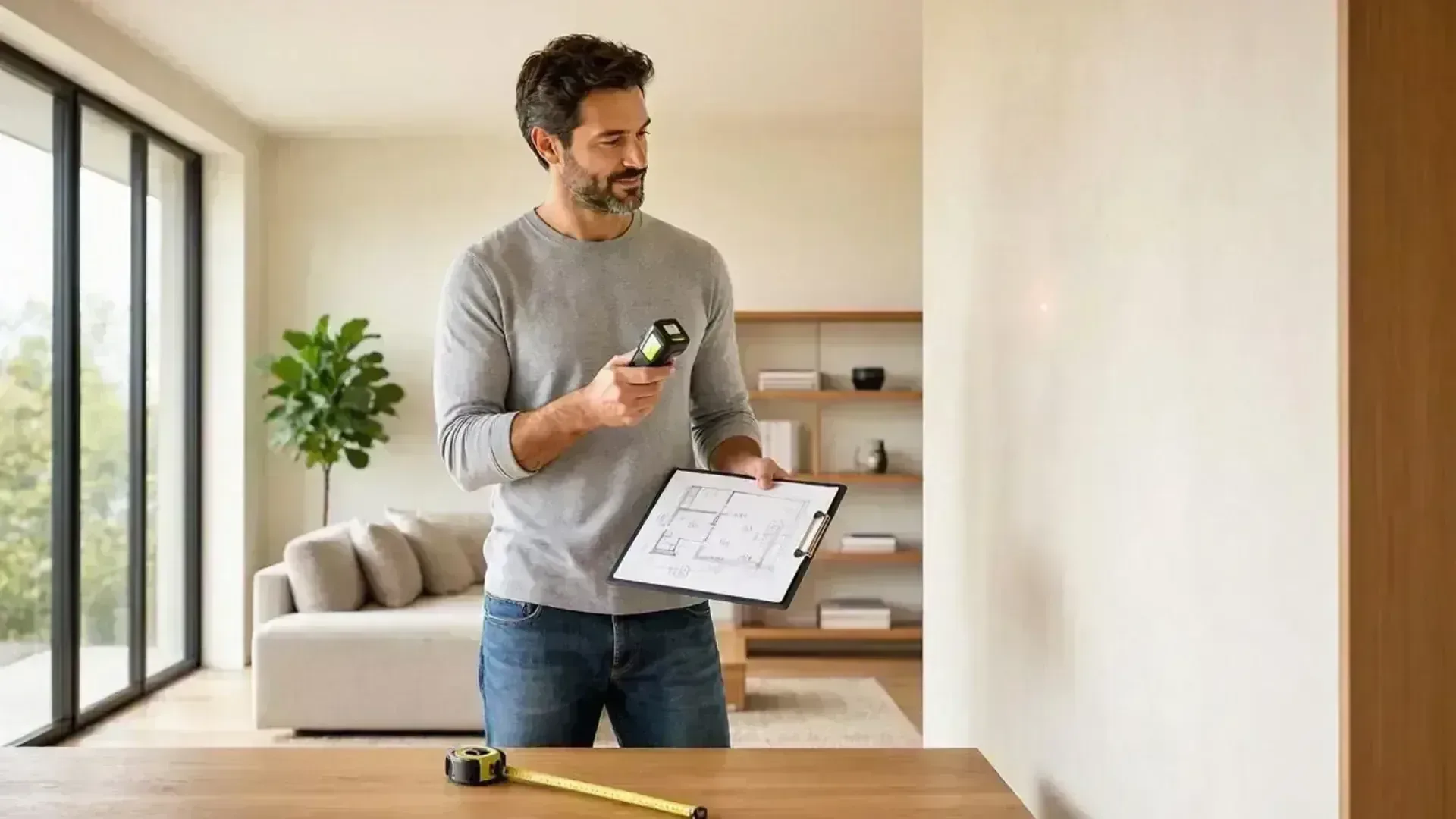
If you are remodeling a single bathroom, updating a kitchen layout within its existing masonry or stud walls, or building an interior non-bearing closet partition, measuring it yourself gives you immediate momentum. You can grab a 25-foot tape measure, sketch the room on grid paper, and send dimensions directly to your cabinet maker or drafter.
B. Essential Rules for Accurate DIY Measuring:
- Measure Clockwise: Walk clockwise around each room, recording continuous wall-to-wall dimensions at waist height.
- Capture Wall Thicknesses: Always measure the depth of door openings and window jambs. In concrete and masonry construction, exterior walls may be 6" to 8" (15–20 cm) block or poured concrete, while interior walls may vary. Forgetting wall thicknesses causes rooms to collide mathematically in CAD.
- Window & Door Rough Openings: Record width, height, and sill/head heights (distance from the finished floor to the top and bottom of the frame).
- Ceiling Heights & Beams: Measure from floor to ceiling slab, and note any downstand beams, bulkheads, or electrical drops.
Step 2: The Smartphone App Trap
Phase 02In recent years, numerous smartphone apps advertise that waving your phone around a room produces instant, permit-ready CAD blueprints.
While these apps look sleek in social media advertisements, in real-world architectural design they present substantial risks:
- Hidden Subscription & Export Costs: Most apps allow you to scan for free, but charge recurring monthly fees or $30 to $80 per export to download raw 2D/3D geometry.
- Cumulative Drift: Phone sensors struggle across rooms longer than 15 feet or through doorways. Small angle errors compound across a floor plan, resulting in walls that fail to close square by 6 to 12 inches.
- Missing Structural & Roofline Data: Phone cameras cannot capture exterior roof overhangs, fascia heights, ridge peaks, or topography grade levels required by municipal plan checkers for elevation drawings.
- The Reality: Paying for app exports that require hours of manual CAD redrafting is a false economy.
Step 3: The Time vs. Money Trade-off
Phase 03When an architectural project expands beyond a single room to include a whole-home remodel, secondary guest house (casita), multi-level addition, or commercial restaurant, measuring by hand becomes a grueling task:
- Measuring a 3,000+ sq. ft. multi-story building with staircases, balconies, and uneven terrain requires 15 to 25+ hours of tedious field work, plus days of CAD drafting.
- One overlooked measurement on site means another trip back to the property with a tape measure to re-verify a ceiling height, column offset, or electrical panel location.
For property owners, remote investors, and builders, professional surveying is a straightforward risk-reduction investment: a professional LiDAR team captures millions of coordinate points across the entire property in a single 2- to 3-hour sweep.
Step 4: Professional 3D LiDAR Surveys
Phase 04Instead of spending days battling tape measures or struggling with CAD drafting, professional laser scanning packages deliver turnkey digital clarity:
- Navigable 360° Virtual Twin: Revisit every square meter of your property from your phone or laptop anytime, inspecting fixtures, conduit runs, and wall finishes without travelling to the site.
- Dimensioned PDF Drawing Sets: Clean architectural floor plans, exterior elevations, roof outlines, and wall cross-sections.
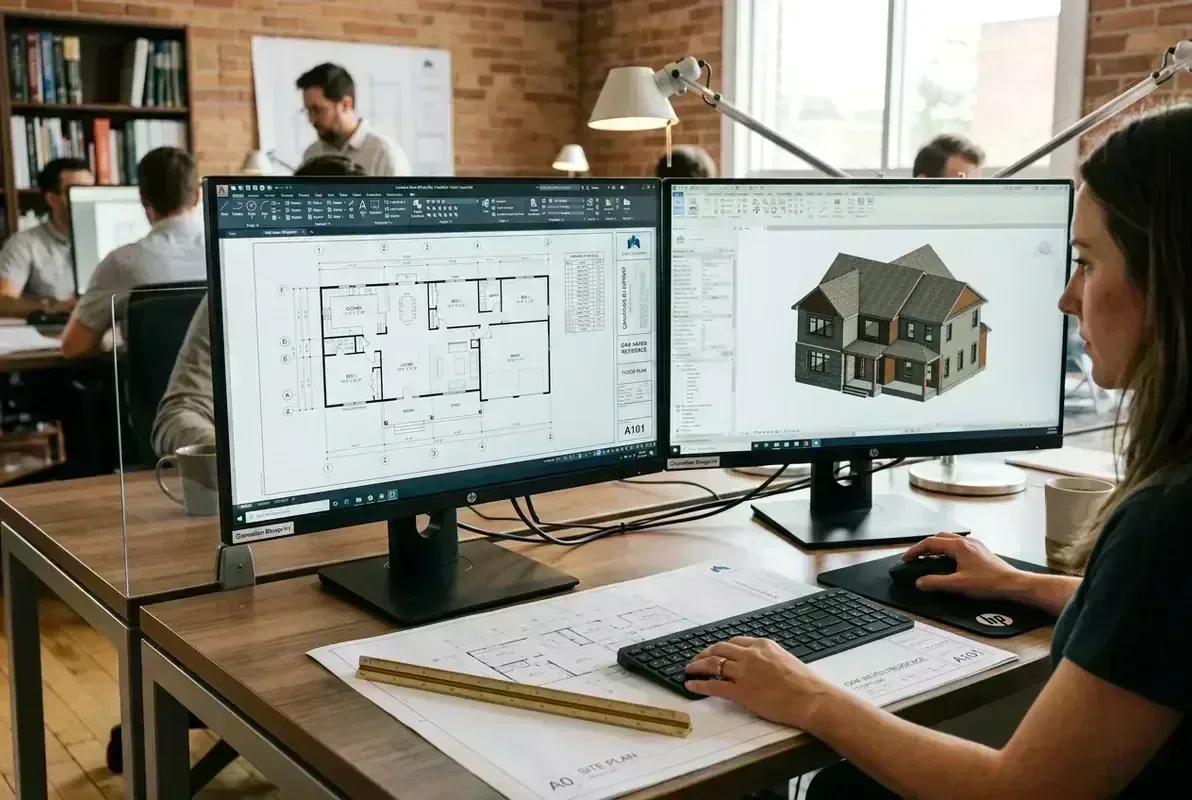
- Layered AutoCAD (.DWG) Vectors: Standardized, layered CAD models ready for immediate design work, structural engineering, or municipal permit intake.
For complete scope details, package deliverables, and square-foot pricing, visit our dedicated As-Built Measuring Services page or explore transparent rates on our Pricing Hub.
Step 5: Permit-Ready CAD Deliverables
Phase 05If you're tackling a modest single room, grab a tape measure and enjoy the DIY process! But when dealing with complex structures, commercial leases, or permit submissions, starting with an undeniable laser baseline ensures your project finishes on time and on budget.
To learn how to inspect your CAD deliverables once delivered, read our guide on free CAD viewers and drafting tools, or explore our guide to reading construction drawings.