
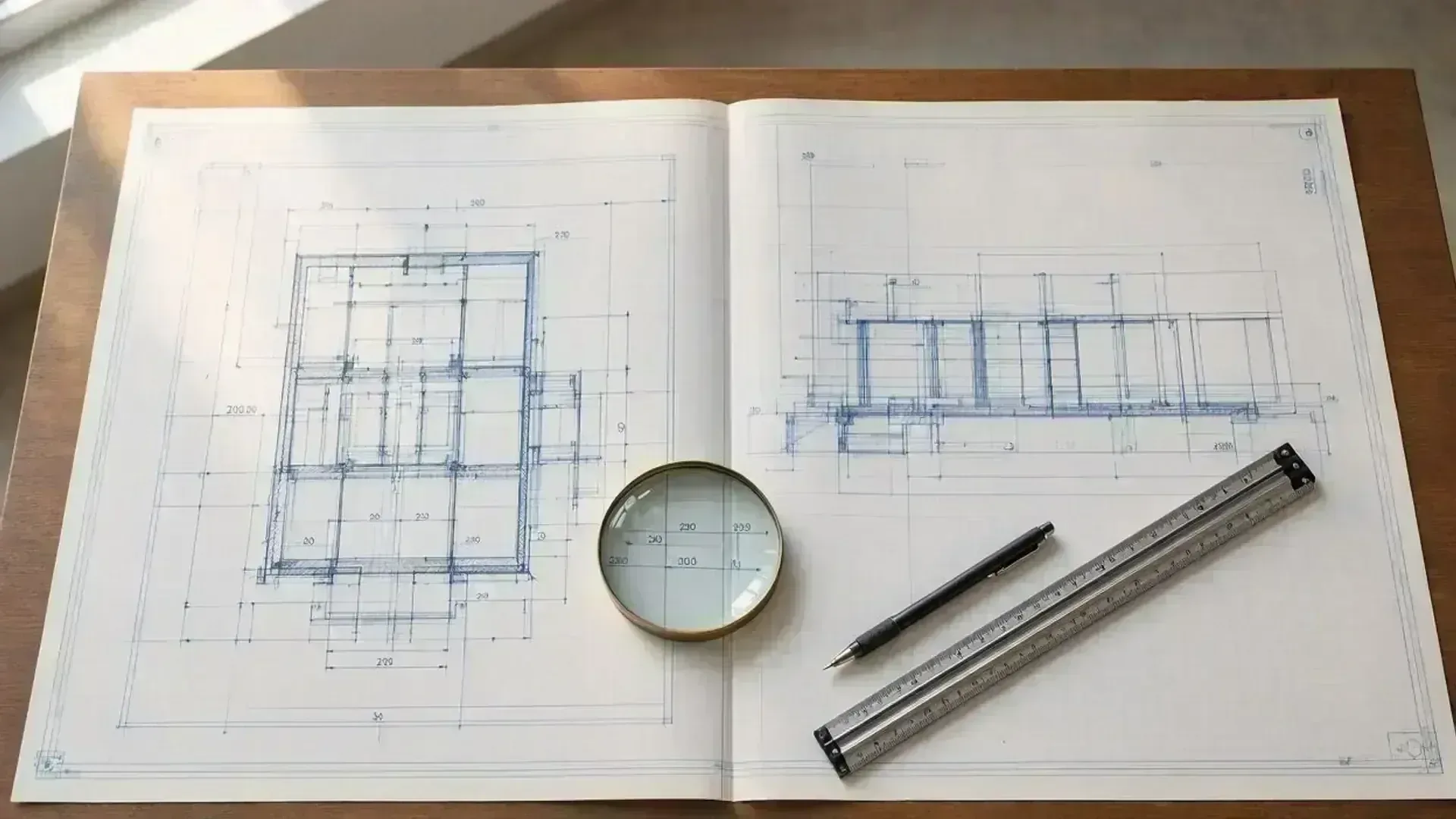
How to Read Architectural Blueprints & Construction Drawings
OverviewConstruction drawings are a universal visual language. Once you master the fundamentals of scale, symbols, line weights, and drawing hierarchy, you can spot spatial conflicts early, verify municipal permit compliance, and communicate clearly with your builder and design team.
Guide Roadmap
Blueprint Basics: How to Read Your Drawing Set
ReferenceA quick reference guide to understanding sheet hierarchy, scales, symbols, and permit review stamps.
| Focus Area: Drawing Hierarchy | What It Means for You: Drawings progress systematically from the macro environment (site plan) to functional layouts (floor plans), vertical facades (elevations), and structural cut-throughs (sections). | Key Considerations: Always start with the site plan before zooming into specific interior rooms or framing details. |
| Focus Area: Scale & Measurement | What It Means for You: Drawings use standardized scale ratios (e.g. 1/4" = 1'-0" or 1:50 metric). Written dimensions always take legal precedence over physical ruler measurements. | Key Considerations: Never scale directly off an uncalibrated paper printout. If a field measurement diverges from a written dimension, notify your drafter immediately. |
| Focus Area: Municipal Compliance Marks | What It Means for You: Professional title blocks contain revision clouds, engineer seals, and code notes required for municipal permit intake. | Key Considerations: Match revision triangles to the change register in the title block to confirm you are building off the latest approved set. |
Overview & Context
OverviewIf you have ever received a multi-page PDF of architectural construction drawings and felt overwhelmed by dense abbreviations, dimension strings, and linework, you are not alone. Drafters and architects use a standardized graphic shorthand developed over decades.
However, project owners and property investors do not need an architectural degree to review their drawings effectively. By mastering four fundamental principles, you can navigate any drawing set, protect your budget, and confirm that your design matches your vision before construction begins.
Step 1: Check the Title Block & Scale (Imperial vs Metric)
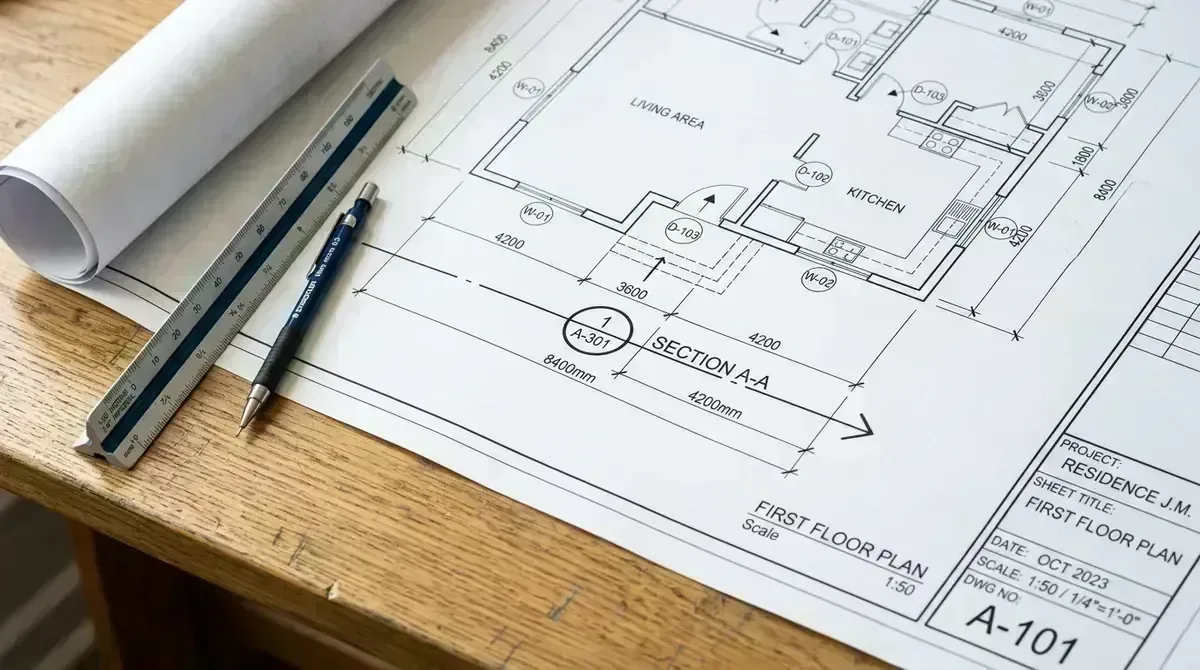
Phase 01Every professional architectural sheet includes a standardized title block—typically along the right margin or bottom edge. This acts as the drawing's legal birth certificate and metadata record:
- Project Metadata: Legal lot address, client name, drawing sheet title, and sheet number (e.g., A-101 for Architectural Floor Plans, S-101 for Structural Foundation).
- Drawing Scale: Expressed as an architectural ratio (e.g., 1/4" = 1'-0" or metric 1:50 / 1:100). This indicates how much the physical building was reduced to fit onto paper.
- Revision Table: Numbered delta triangles and revision clouds indicating exactly what design changes were made, on what date, and why.
- Professional Seals: Licensed architectural stamps and structural engineering sign-offs verifying structural calculations and municipal code compliance.
Golden Rule of Blueprints: Written dimensions always take precedence over scaling with a physical ruler. If a printed measurement conflicts with your tape measure on site, trust the dimension callout and confirm with your project coordinator.
If you are reviewing digital vector files on a computer rather than printed sheets, review our curated guide on free CAD viewers & drafting tools to inspect calibrated model dimensions directly.
Step 2: Read the Site Plan & Lot Boundaries First
Phase 02The Site Plan (or Plot Plan) is the macro view of your property. Municipal reviewers and plan checkers examine this sheet first to confirm regulatory compliance:
- Property Lines & Setbacks: Displays the legal boundary lines and the exact setback distances from exterior walls to front, rear, and side property borders.
- Building Footprint & Lot Coverage: Shows how much of the parcel is occupied by roofed structures versus permeable landscaping.
- Orientation & Topography: Features the North arrow for solar orientation, prevailing winds, and contour elevation lines illustrating natural site slope and rainwater drainage paths.
- Access & Utilities: Highlights road right-of-ways, driveway curb cuts, septic drain fields, and municipal water/electrical connection points.
Step 3: Decode Floor Plans & Standard Symbols
Phase 03A floor plan is an imaginary horizontal slice cut through the building approximately 4 feet (1.2 meters) above floor level, looking down. It reveals spatial flow, room dimensions, and functional elements:
- Wall Thicknesses: Heavy dark lines or shaded hatches represent solid exterior concrete/masonry or framed interior partition walls.
- Door & Window Schedules: Door swings are shown as curved arcs indicating clearance direction. Lettered or numbered hexagon/circular tags reference the window and door schedules for exact rough openings.
- Room Dimensions: Dimension strings measure from wall surface to wall surface, or to the centerline of structural columns and plumbing chases.
- Electrical & Plumbing Notation: Standardized circles indicate ceiling lights, wall outlets, switches (S), and floor drains.
Practical Verification Tip: Trace primary circulation paths with your finger. Verify that door swings don't collide with cabinetry or adjacent door leaves, and confirm furniture clearances before finalizing wall placements.
Step 4: Cross-Reference Elevations & Wall Sections
Phase 04Floor plans only tell two dimensions of the story. To understand the vertical reality of your building, cross-reference elevations and sections:
- Exterior Elevations: Orthographic views of the North, South, East, and West facades showing finished floor levels, roof pitches, eave overhangs, exterior cladding materials, and maximum building heights.
- Building Sections: Vertical cut-throughs slicing through the structure. These reveal floor-to-ceiling heights, roof truss configurations, slab foundations, and reinforced concrete beam depths.
- Detail Callouts: Large-scale drawings (e.g. 1" = 1'-0" or 1:10) demonstrating waterproofing flashing, beam-to-column connections, and window jamb details.
Why Professional Base Plans Matter
SummaryUncalibrated sketches or generic stock plans lack the precise site coordinates, material specifications, and structural cross-referencing required by building authorities and commercial contractors. When working with existing buildings or remodeling, establishing a laser-accurate as-built baseline is essential.
To learn how field measurements are captured on site with millimeter precision, read our comprehensive DIY vs. Professional As-Built Measuring Guide, or check our Blueprint Scale & Ruler Measurement Guide.